Use Tile Fabric > Select to select an area of the fabric sample.
|
|
Use Tile Fabric > Select to select an area of the fabric sample. |
Use the Tile Fabric dialog to set up patterned fabrics in the way that suits you. You can select and save the exact area of the fabric to be tiled. By selecting only small areas of the fabric using the selection rectangle, you can change the look of the fabric sample because only the selected area is tiled and displays in the preview window.
1Select and double-click a pattern in the library.
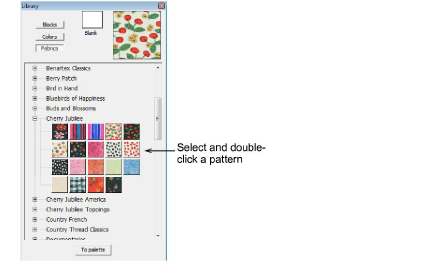
The Tile Fabric dialog opens.
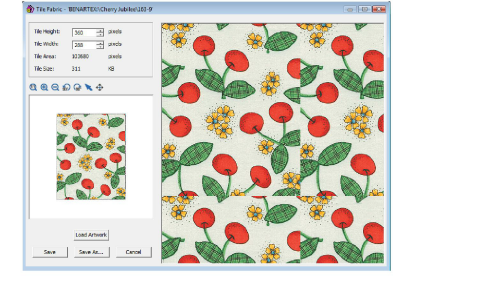
2Click the Select icon.
3Click and drag a rectangle around the area to be displayed in the fabric sample.
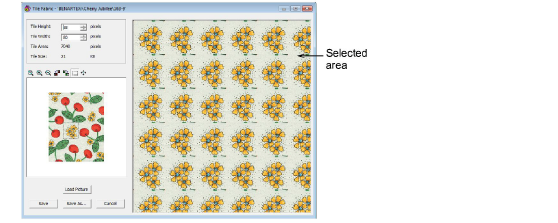
Zoom in to make it easier to select a small area.
4Click Save As to save the sample and keep the original.
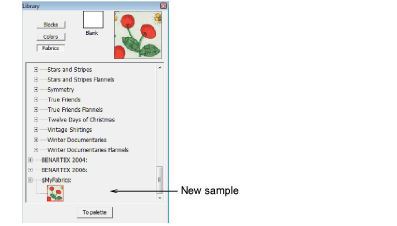
Click Save to replace the original image with the new sample.