|
|
The Tile Fabric dialog lets you create your own fabric samples and save them in your own categories.
1Insert or scan a fabric.
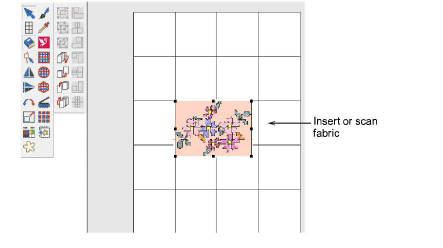
2Select the fabric image.
3Select the Tile Fabric icon. The Tile Fabric dialog opens.
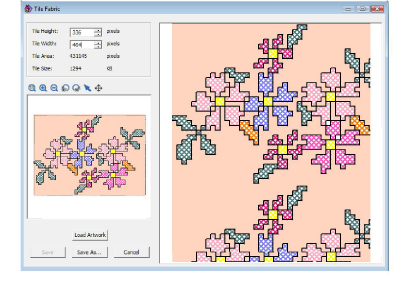
4Click the Select icon and select the area of fabric to be used.
5Click Save As. The Save As dialog opens.
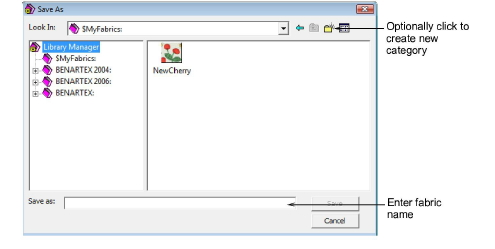
6Select a folder from the Library Manager or click Create New Folder icon to create a new folder.
7Enter the name of the new file in the Save As field and click Save.