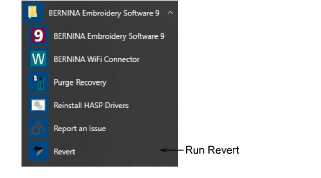
If you have made changes to the default settings in your software and you want to revert to factory settings, use the Revert utility.
1Exit BERNINA V9.
2Select the Revert utility from the BERNINA V9 program group.
The Revert to Factory Settings dialog opens.
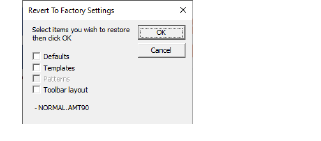
3Select the items you want restored to factory defaults.
Reverting to the original settings removes any changes you have made to styles, templates and hardware settings.
4Click OK. The selected items are restored to factory settings.
There is no confirmation message.