Use Standard > Send to BERNINA WiFi Device to send the current design to a named BERNINA WiFi Device.
|
|
Use Standard > Send to BERNINA WiFi Device to send the current design to a named BERNINA WiFi Device. |
Open BERNINA V9 and load the design or designs you want to send to BERNINA WiFi Device.
1Select a design tab and click the Send to BERNINA WiFi Device icon. The dialog will show a list of named devices connected to the network.
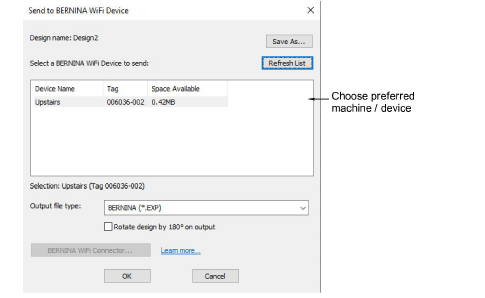
If a certain BERNINA WiFi Device does not appear in the list, try clicking the Refresh List button to update the list of connected devices.
2Choose your preferred device and click OK. The design will be automatically converted to the selected machine file format and sent to the BERNINA WiFi Device. On the machine, the BERNINA WiFi Device is recognized as a USB stick. From here, the design can be loaded into machine memory for stitching.
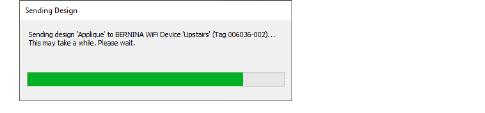
3Repeat for all designs you want to send to named devices connected to the network.
Only one file can be transferred at the same time.