Visualize stumpwork
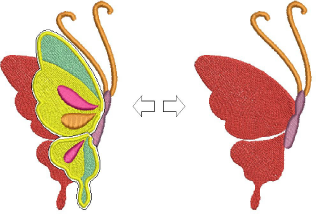
Use the Show Stumpwork toggle on the View toolbar to show or hide stumpwork sub-designs within a design.
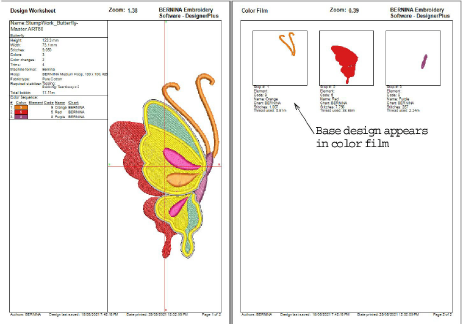
The worksheet preview shows the entire stumpwork design in preview but only the base design in the color film.
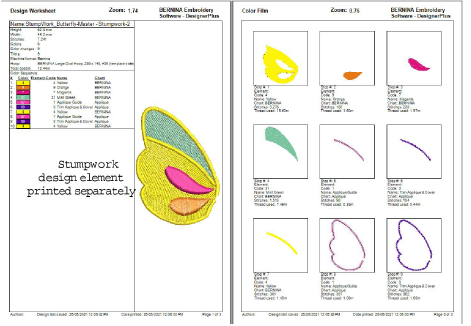
To print out a worksheet for a stumpwork sub-design, open the stumpwork sub-design in its own window and preview it there.
Tip: Study the stumpwork design samples included in the installed ‘3D Embroidery’ folder. Try stitching out to practice the techniques involved. Check your BERNINA machine documentation.