Click View > Show Hoop to show or hide hoop. Right-click for settings.

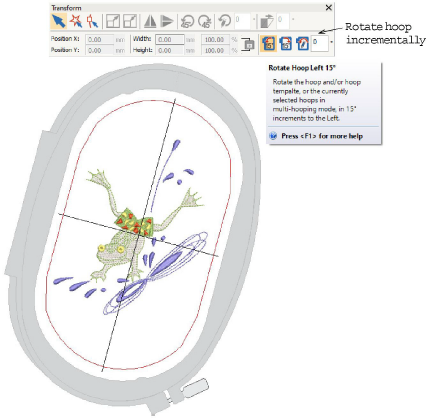
Use Transform > Rotate Hoop 15° to rotate the hoop and/or hoop template, or currently selected hoops in multi-hooping mode, in 15° increments to left or right.


Use Transform > Rotate Hoop to rotate the hoop and/or hoop template, or currently selected hoops in multi-hooping mode, by specified amount – positive or negative – in degrees.